Raspberry Pi
Tips & Tricks
🔻 Speed Scroll 🔻
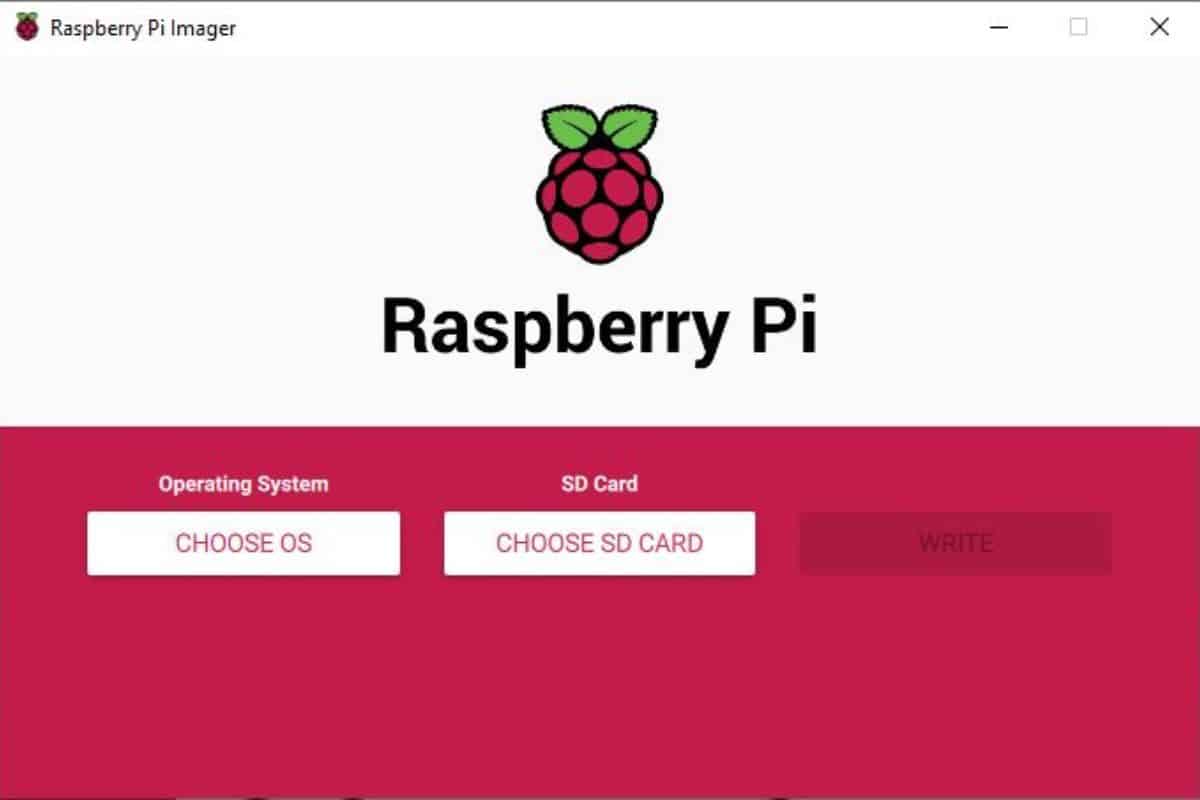
How To Install a New OS on Raspberry Pi
Whether you’re using the Raspberry Pi for the first time, need to reinstall the system, or want to try a new one, you’ve come to the right place. The goal of this tutorial is to explain how to install a new operating system on the Raspberry Pi. I’ve done it with almost all systems for this platform, but the goal today is to give you an overview of the steps whatever system you choose.
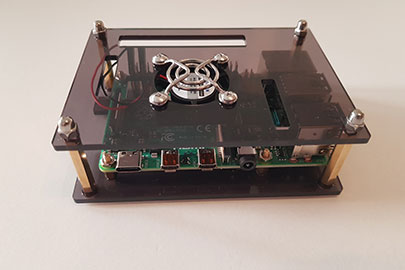
Can a Raspberry Pi 4 really Replace your Desktop PC?
Raspberry Pi 4 has been there for a few months. I read everywhere in the news that it’s almost a normal PC
But no one really tried it, they just repeat the same thing again and again. My goal is to go further. I replaced my laptop with my Raspberry Pi 4 for a few days and I will now explain if you can really sell your computer and buy a Raspberry Pi 4 instead.
Clone Your Raspberry Pi SD Card: 3 Simple Methods
Having extra copies of your Raspberry Pi SD card can be useful in many situations. Maybe you want to make a backup or migrate your whole system. This procedure may sound quite complex, but it’s not that difficult. In this article, I’ll give you a comprehensive guide on how to clone your Raspberry Pi SD card.
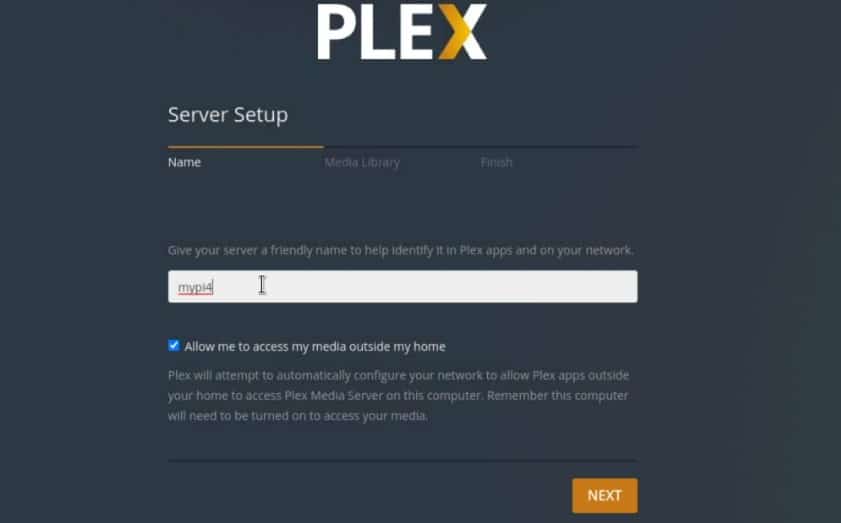
Getting Started With Plex Media Server
Plex is an interesting streaming media service. Like Netflix or Prime Video, there are a few shows and movies you can watch after creating an account (it’s free!). But the best feature is that you can host a Plex server on your Raspberry Pi, add your own files to it, and watch them from any device, even remotely. In this tutorial, I’ll show you how to set this up.
Raspberry Pi Imager The Ultimate Guide
Raspberry Pi Imager is the ultimate tool for any Raspberry Pi user. When it first came out, I shunned it a little because I preferred Balena Etcher. But lately, I’ve been using it more and more, and the latest add-ons make it even more interesting. I will share everything with you in this article.
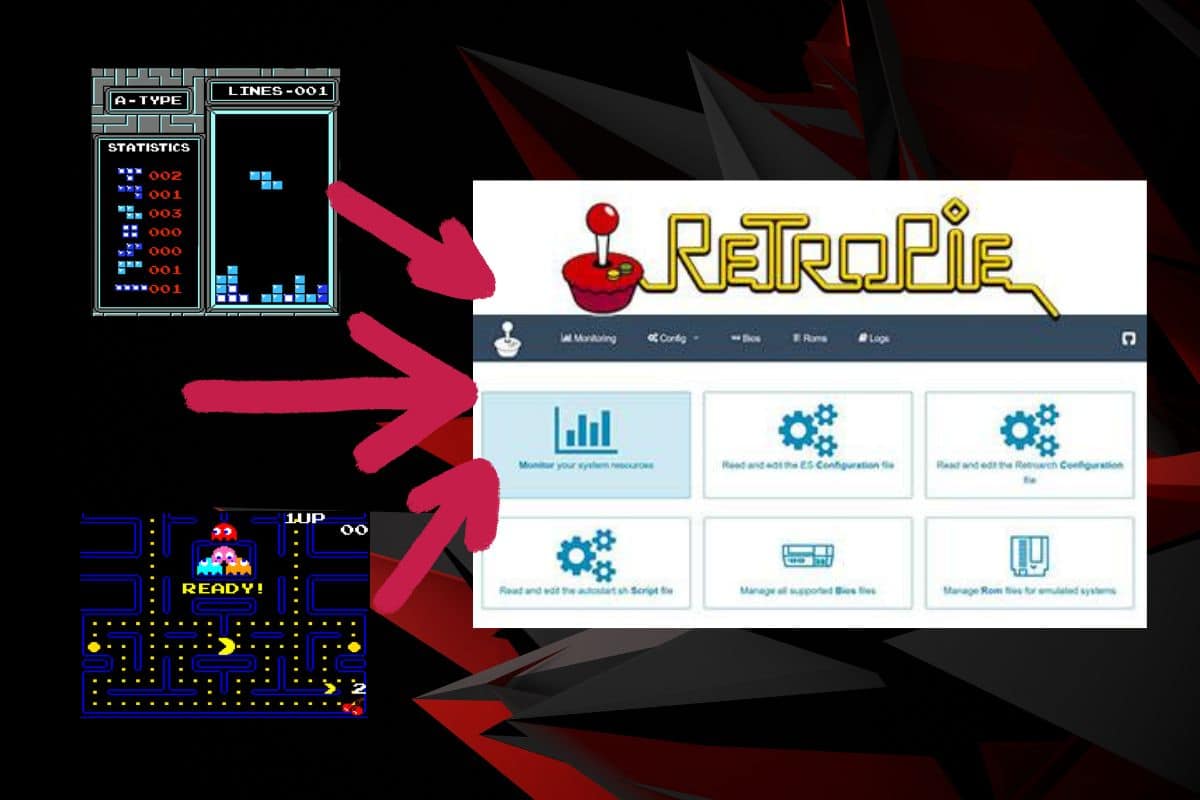
How to Add Games on Raspberry Pi (4 ways on Retropie)
I often write about Retropie on this website, but there are so many questions that you can have when trying Retropie for the first time :). Today, I will show you how to add new games on your Retropie system. You have many ways to do this, and I will show you the most common ones here.

How to Use an NVMe SSD on Raspberry Pi
NVMe SSDs are amazing because not only are they smaller, but they’re also faster than regular SSDs. But it’s not immediately obvious which Pi models support NVMe drives or how to hook one up. In this article, I’ll show you how it works and how to get one up and running.
How to Install Android on Raspberry Pi in 2026
Installing Android on Raspberry Pi has always been a challenge. But thanks to the work of several developers, this task has become easier over the years. In this article, I share with you the latest method to get it running on your Pi (including the Play Store to install any app you like).
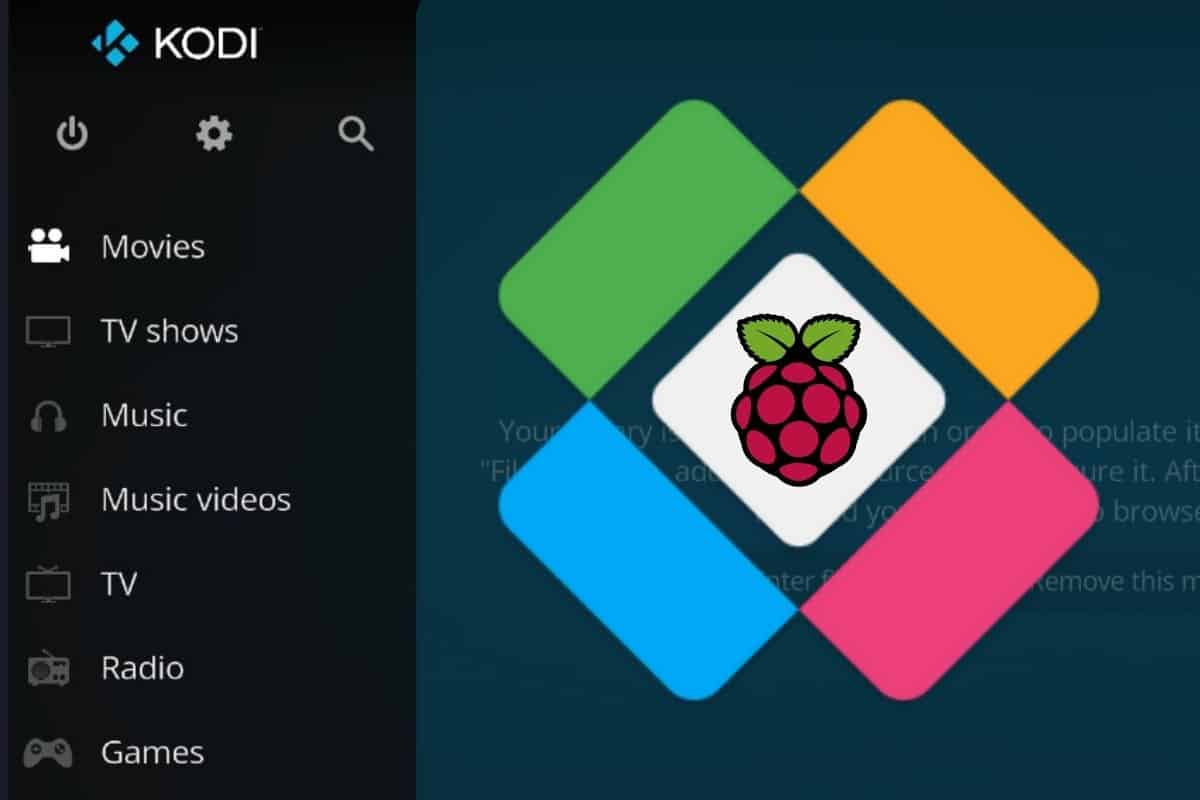
Installing LibreELEC
LibreELEC is a light distribution, perfect for the Raspberry Pi, with only one goal: run Kodi to turn your Pi into a media center. It’s currently the best solution to do this, and I’ll guide you to set it up in a few steps. LibreELEC is available in Raspberry Pi Imager, so it can be installed easily on an SD card using this tool. However, to get the latest version, it’s recommended to download the image manually from the official website.
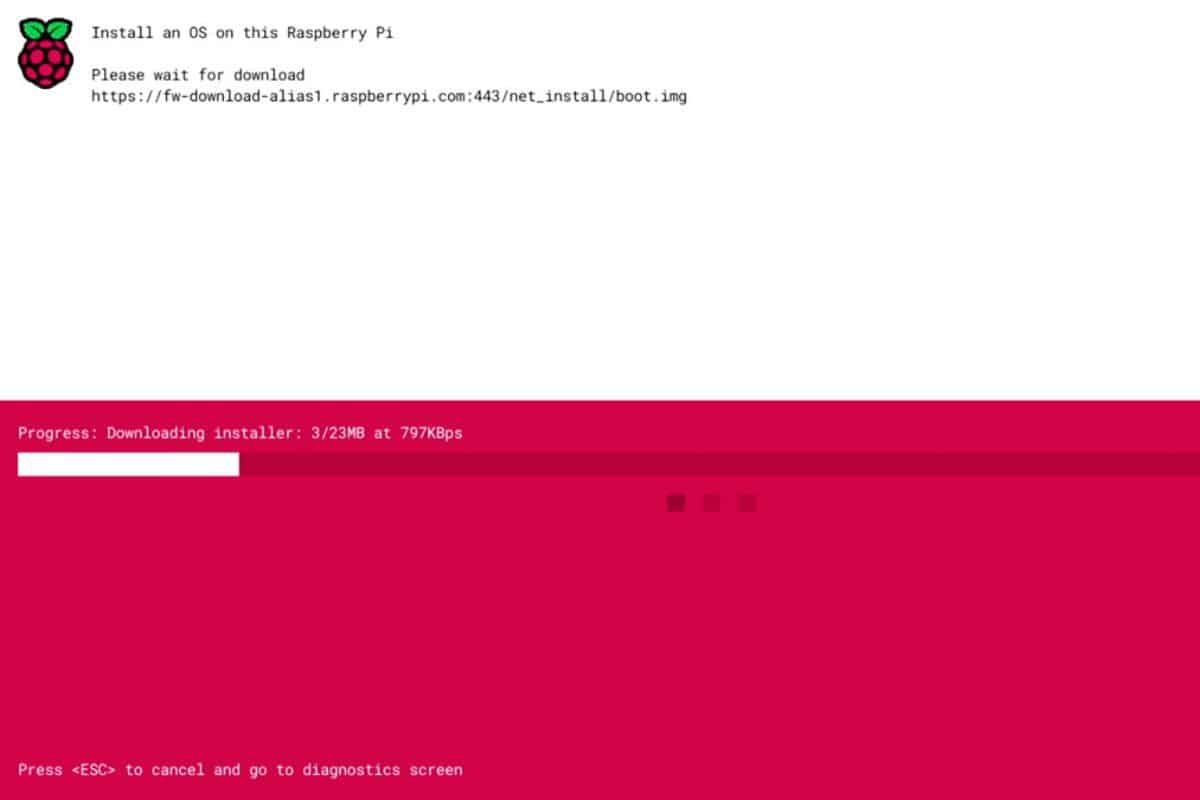
Network Boot With Raspberry Pi
After USB boot was added a few years ago, we can now boot a Raspberry Pi from nothing. An Internet connection and a blank media storage is now enough to get started, you no longer need a computer to flash your first SD card. Want to give it a try? I will explain every step in this article.

A Guide to Build Your Own Budget-Friendly NAS
NAS (Network Attached Storage) is a popular application for Raspberry Pi. However, how does it compare to the existing solutions available? How much time and effort does building your own Pi NAS take? Pi NAS is an affordable way to manage files across your devices using a storage solution connected to your home network. It can be up and running in a few hours with a Raspberry Pi, a few storage devices, and software to manage everything.
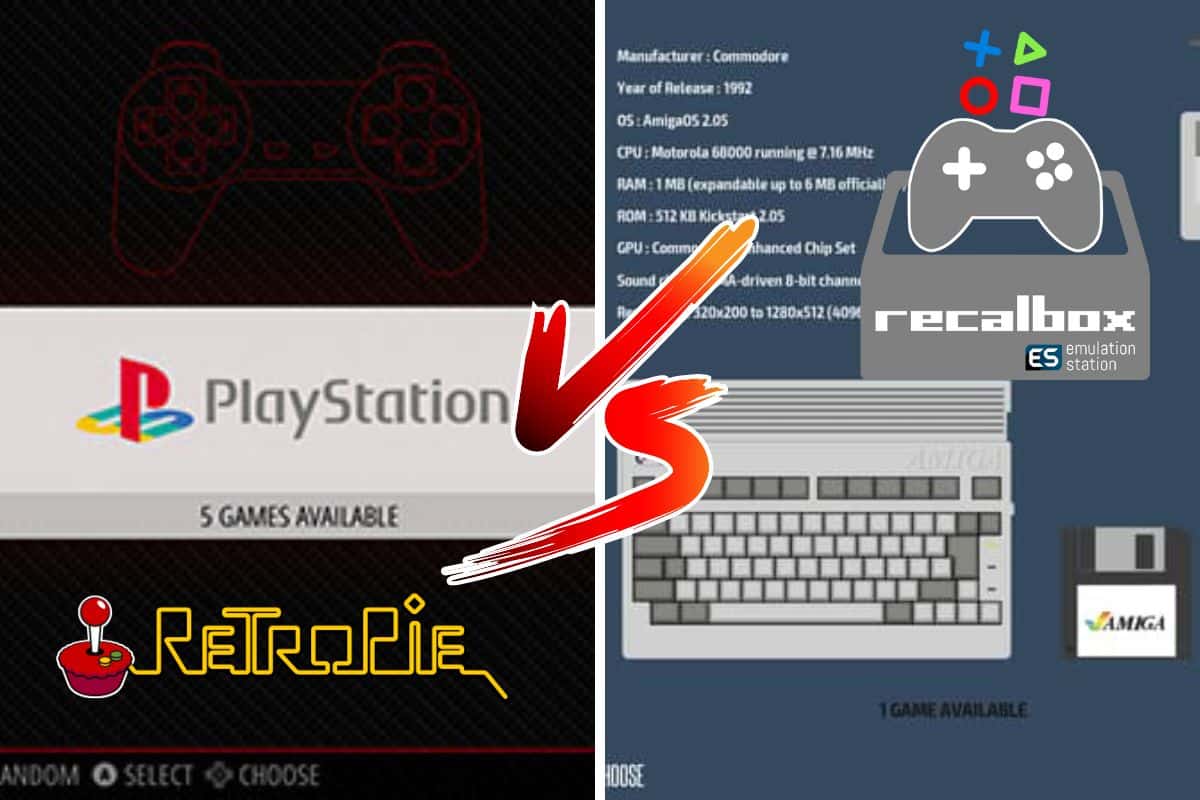
Retropie vs Recalbox What’s the difference?
The Raspberry Pi is the perfect device for playing retro games. There are a lot of software options to choose from, with Retropie and Recalbox being the two of the top contenders. Which one should you use? Let’s find out. Overall, Retropie is the older of the two, has been around for a while, and therefore has a larger community, with more support and advanced features. Recalbox, on the other hand, has a more user-friendly interface and is converting more and more users to its system.
RetroPie A Step-By-Step Beginner Guide
Today, I’ll show you how to get started with RetroPie on Raspberry Pi. RetroPie is promoted as a free and easy retro gaming console. However, it’s not very easy for a beginner to get started with the console on Raspberry Pi and/or Linux. If you are a beginner that is interested in learning, this article is for you.
The Ultimate Guide to Install Kodi on Raspberry Pi
What do you need to build a media center? OSMC is a lightweight Linux distribution, created especially to run Kodi on Raspberry Pi. It can be flashed on a SD card with the installation wizard or by downloading the latest image for your Raspberry Pi model. In this post, I’ll show you how to install OSMC and start using Kodi. I’ll try to answer all questions you could possibly ask about this, from the OS download to how to play your favorite video or song in the media player.
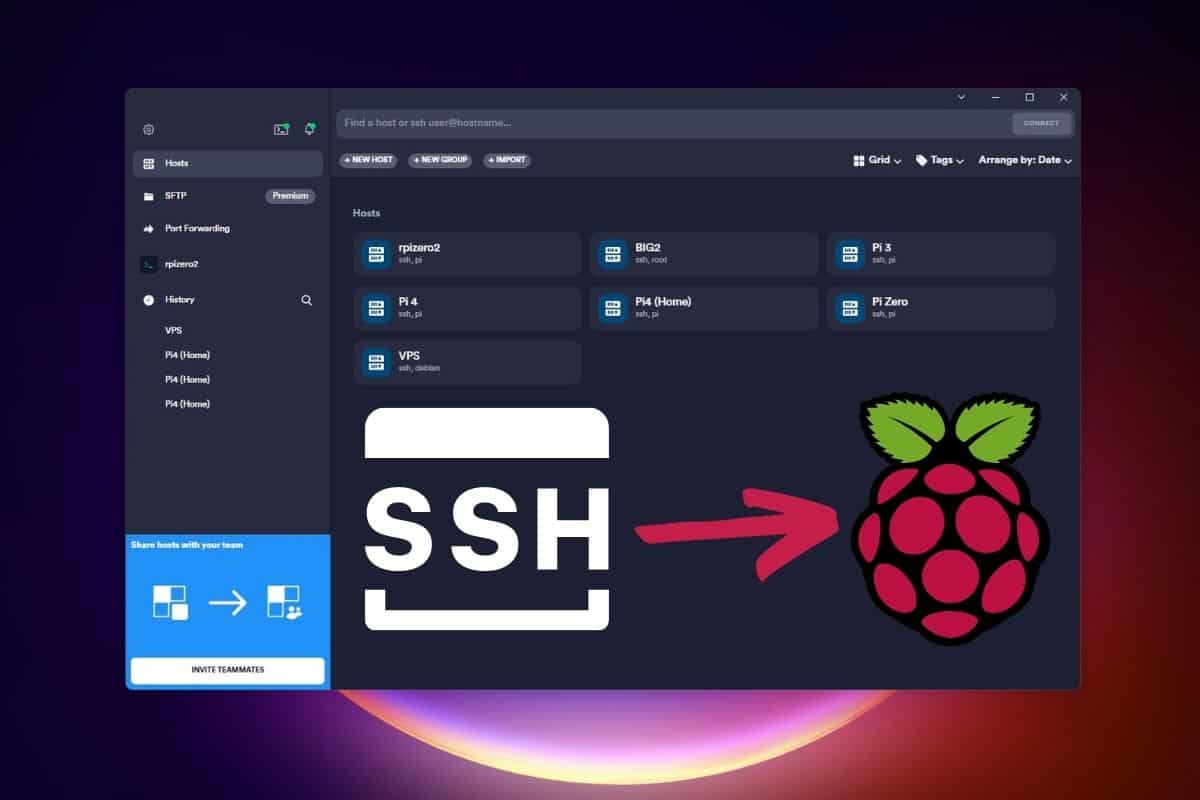
Use SSH to Remote Control Your Raspberry Pi
Being able to control your Raspberry Pi from another computer is an important part of the Pi learning curve. There are many options for remote access, so why is SSH the protocol beginners should start with? If you’re new to Linux, Raspberry Pi, or just SSH, you’ve come to the perfect place: I created this guide to answer all of your questions about this method. I will guide you through the whole process, showing you how to activate SSH, find your IP address, and connect to the Raspberry Pi from your computer.