Linux Tutorials
Linux
🔺 Speed Scroll 🔺

7 Reasons Why Linux is a Better Choice than Mac
Like other operating systems, it has its drawbacks as well. For a very particular set of tasks (such as Gaming), Windows OS might prove to be better. And, likewise, for another set of tasks (such as video editing), a Mac-system might come in handy. It all comes down to your preference and what you would like to do with your system. Read More

11 Reasons Why Linux is Better Than Windows
Linux is better than Windows and in this article, we’ll see the advantages of Linux over Windows. If you are not a power user, it might seem that Windows” OS is a better (or easier) choice when compared to Linux. In either case, if you are not enjoying using a Linux distro then Windows would be your obvious choice. Read More

11 Reasons Why You Should Switch To Linux
I must make it clear that I’m not leaning towards the statement — “Linux or nothing”. But, if you haven’t used a Linux distro, you’re missing out on a lot of good things. You’re probably using Windows or macOS . No matter what you’re using currently, you will find a lot of use-cases where Linux is better than Windows or better than Mac. Read More
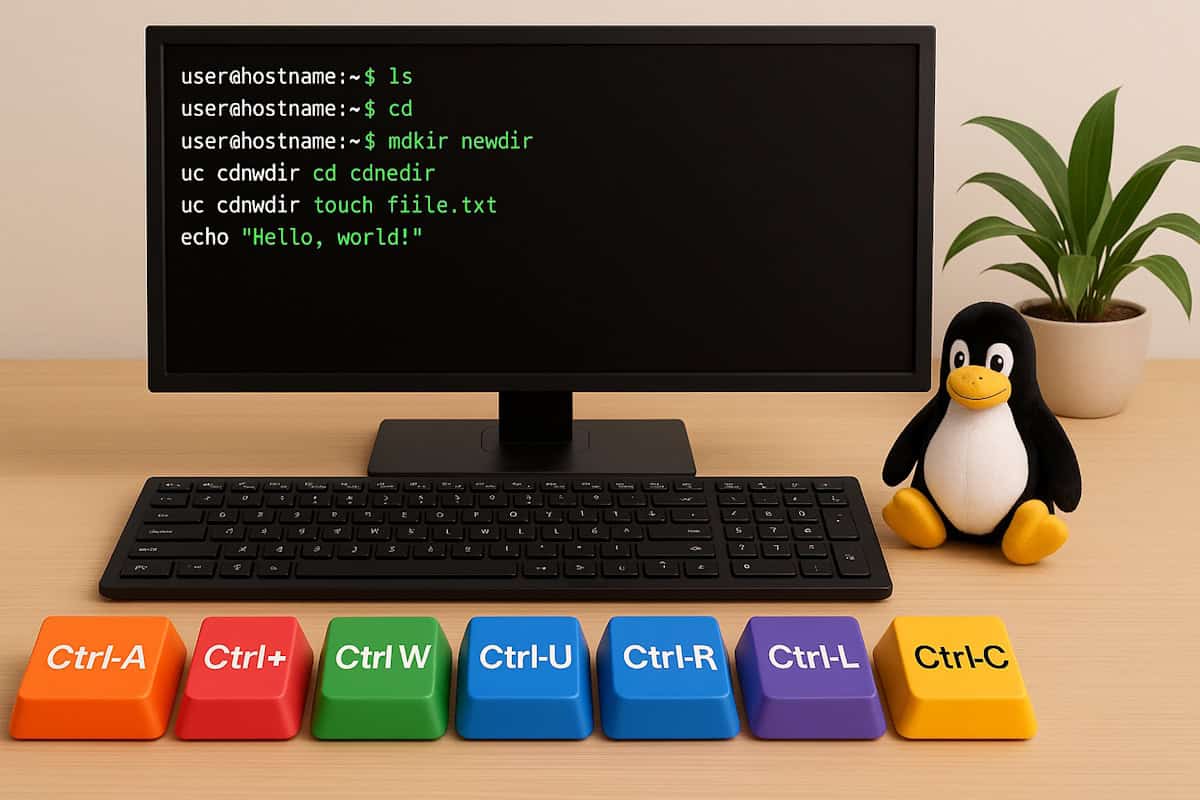
13 Linux Terminal Shortcuts You’ll Wish You’d Known Earlier
I’ve been using Linux for years, but using the command line when you only have a text prompt can be tedious. Wouldn’t it be great if there were simple ways to save time when typing commands? There are, and that’s what I will show you today.In this article, I’ll show you my favorite ones, making you wonder why nobody told you sooner. Read More
25 Basic Linux Commands For Beginners
While performing a task, we all need shortcuts. Shortcuts help us to complete a task quickly. Linux comes with such commands which are one to two words, using that commands, you can perform several operations in no time. As a beginner, you must be aware of those basic Linux commands to complete an operation in a short time in the Linux-based operating system. Read More

7 Useful Linux Commands to Install and Manage Software
Linux is an operating system that can do so many things that it can initially feel overwhelming, especially when managing software. There are a lot of commands, and it’s unclear which does what, but don’t worry, I’m here to explain and make things easier for you. Read More
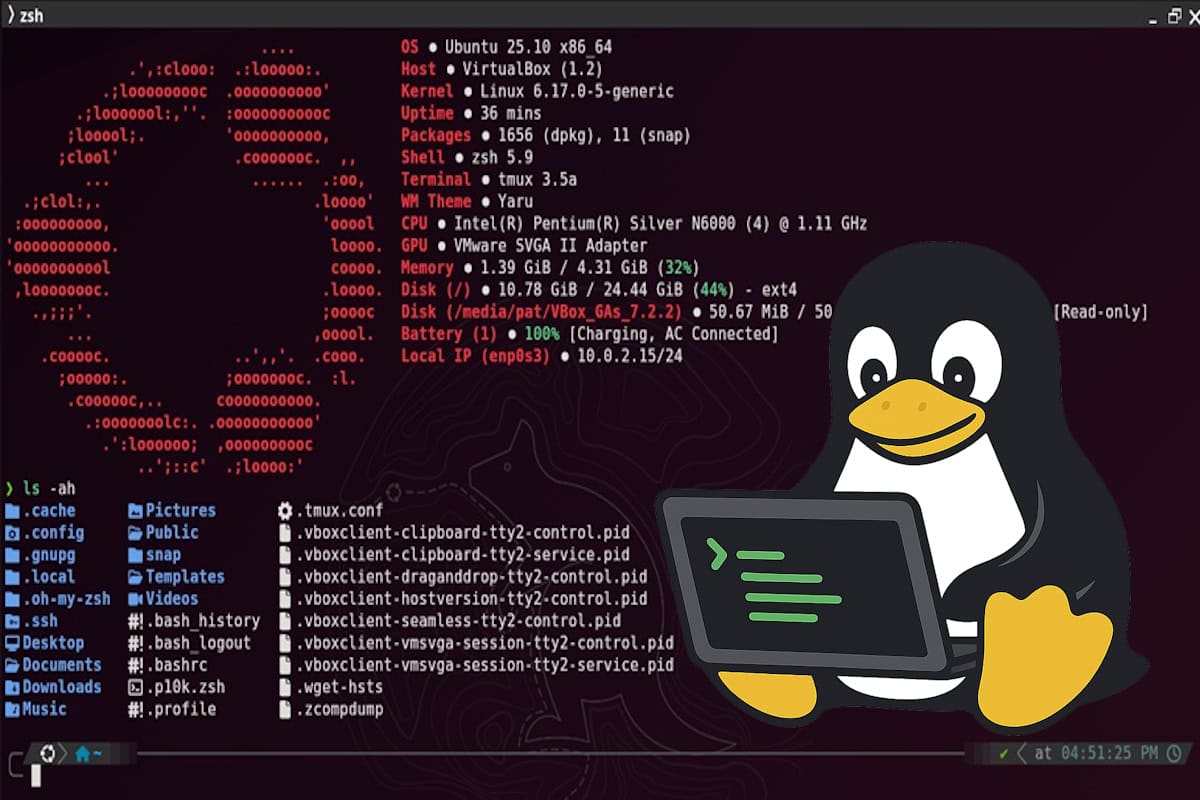
7 Ways to Make Your Linux Terminal Look Awesome
If you spend hours in the Linux terminal, it deserves to look and feel great. The default one gets the job done, but it’s not exactly inspiring or efficient. Over time, I’ve found that with a few clever tweaks, your terminal can look amazing and make you faster at everything you do. Read More

9 Essential Linux Commands to Find Files Quickly
Finding files on Linux can feel tricky for beginners. The directory system is different from Windows, and it’s easy to get lost. But I have some good news: Linux has powerful commands that make it simple. In this post, I’ll share 9 essential commands to help you find files faster. Read More


Linux Distros & Where To Get Them
132 Linux distros linked directly to their distro pages. Far more available than just the top 100 most popular. Find the right distro for you. Read More
How to Set Up Dual Boot and Why
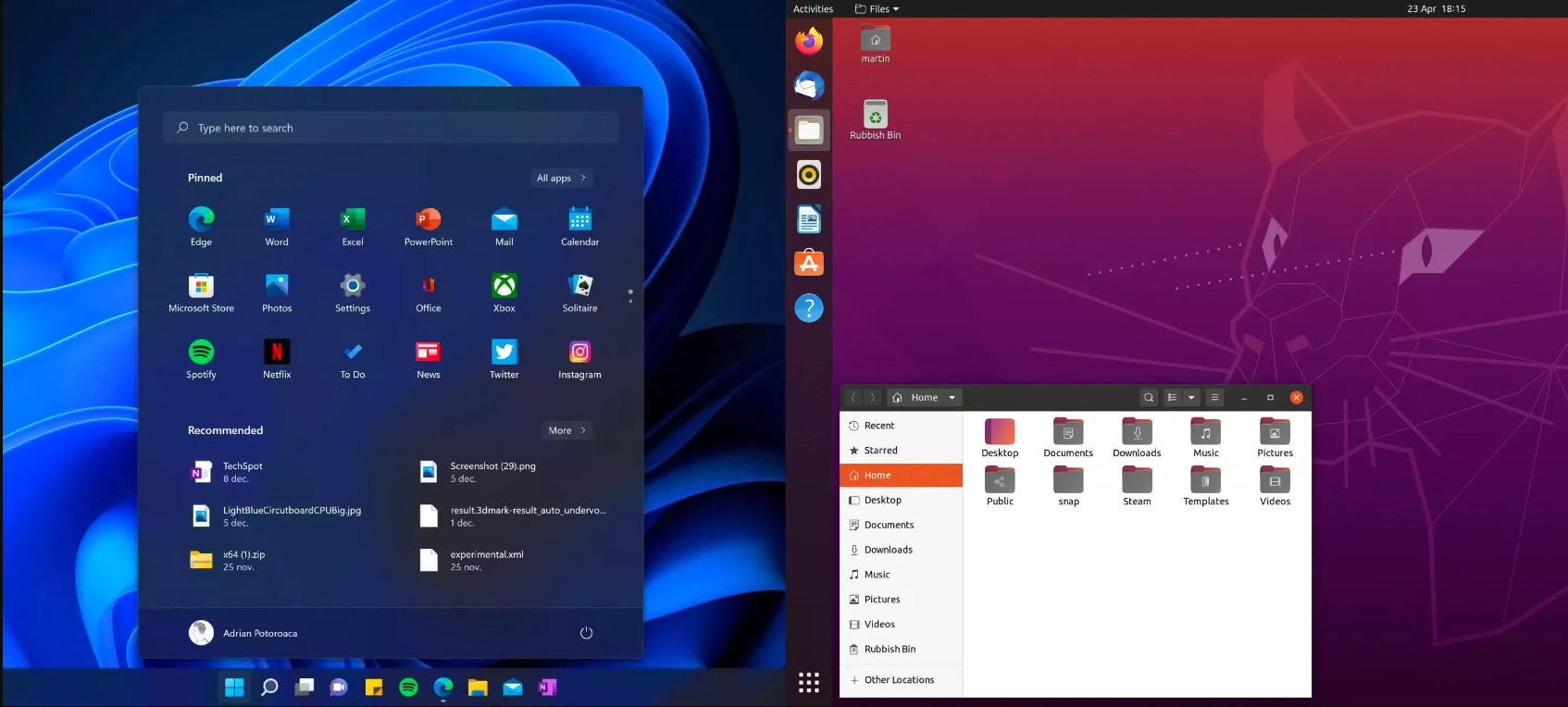
Dual booting is a great way to get the best of both worlds of Windows and Linux. It’s relatively straightforward to install the two operating systems alongside each other, and it’s also a great opportunity to learn more about computers and how software works. Read More

Extract Compressed Files In Terminal
How to extract compressed files zip, 7z, rar and tar
Extraction of compressed files using the terminal is rather easy. Here I discuss how and all the terminal commands needed to extract them. Read More

How to Change Login Screen Background in Linux Mint
This simple tutorial shows how to change the background wallpaper of login screen in Linux Mint 21 & 22 Cinnamon. As well, here are the fixes for blank screen and always desktop wallpaper issues.Linux Mint Cinnamon uses lightdm display manager for its login screen. You can configure it either by editing the config file or by using Mint’s system settings tool. Read More
How to Increase Font Size in the Linux
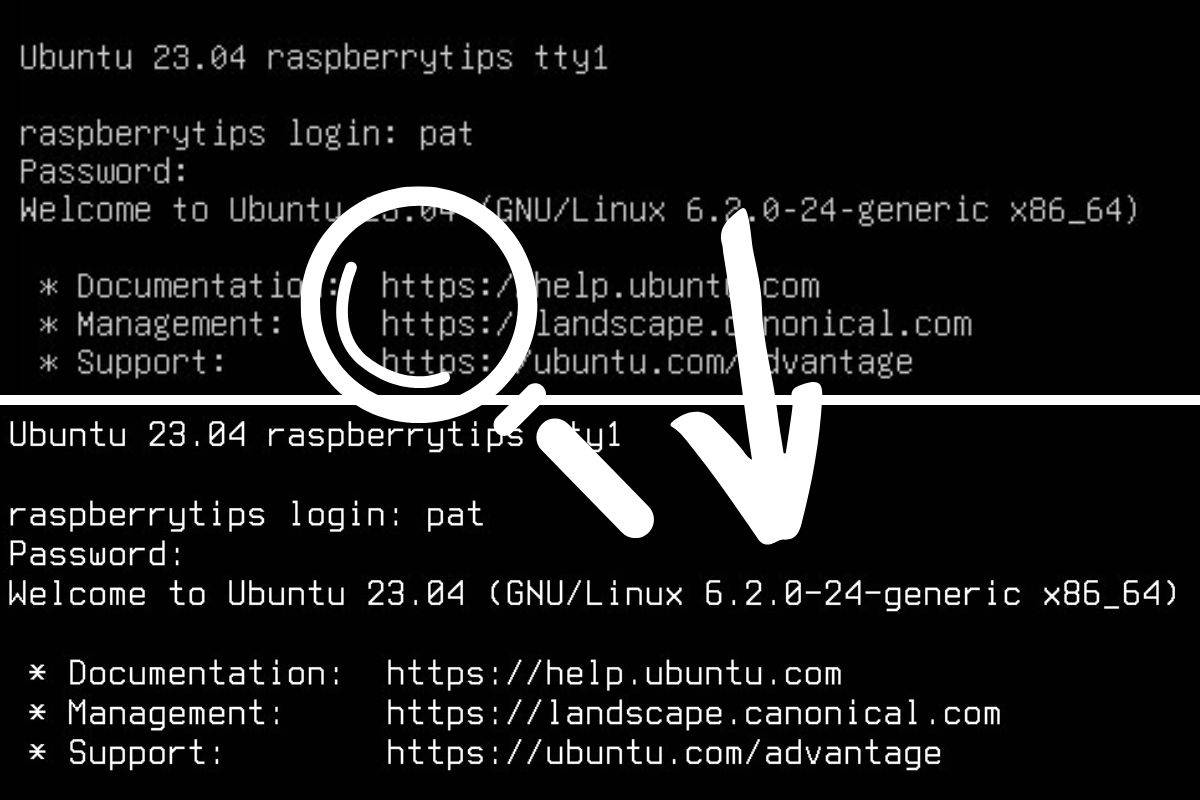
Using the Linux terminal is already not the best user experience and, in addition, we often keep the default settings when using it. Many things can be configured to improve readability even when you don’t have a graphical user interface (GUI). In this post, I’ll share different tips to do this.
Read More

How to install Linux Mint
Linux Mint is one of the best Linux distributions for beginners. It’s easy to use, doesn’t use up a lot of system resources and has a lot of software available.There are 3 ways to install Linux Mint. In this tutorial we’ll discuss how to install Linux Mint removing other operating systems from your computer. Read More
How To Use ‘grep’: The Complete Linux Command Guide
Grep is a pretty useful command line on Linux systems, but it can be challenging to grasp its potential and exhaustive list of options. I have summarized the main things you should know about grep in this article.
Read More